Why IPTV buffers, and what you can do about it at home
The usual causes of IPTV buffering and freezing, from weak Wi-Fi to a full streaming stick, with fixes in the order worth trying them.

Buffering is the spinning circle that appears when the player runs out of picture to show. It happens because data is not reaching your device as fast as it is being played. Most of the time the cause is inside the home, which is good news: you can usually fix it yourself in a few minutes.
Work through these in order
The list starts with the quickest checks and the most common causes.
1. Restart the device and the router
Switch the TV, stick or box off at the plug, not only to standby. Do the same with the router, wait 30 seconds and switch it back on. It sounds too simple, but it clears a surprising number of problems.
2. Check what else is using the connection
A games console downloading an update, a laptop backing up photos or someone on a video call can take most of your bandwidth. Pause anything large and see whether the picture settles.
3. Improve the Wi-Fi signal to the TV
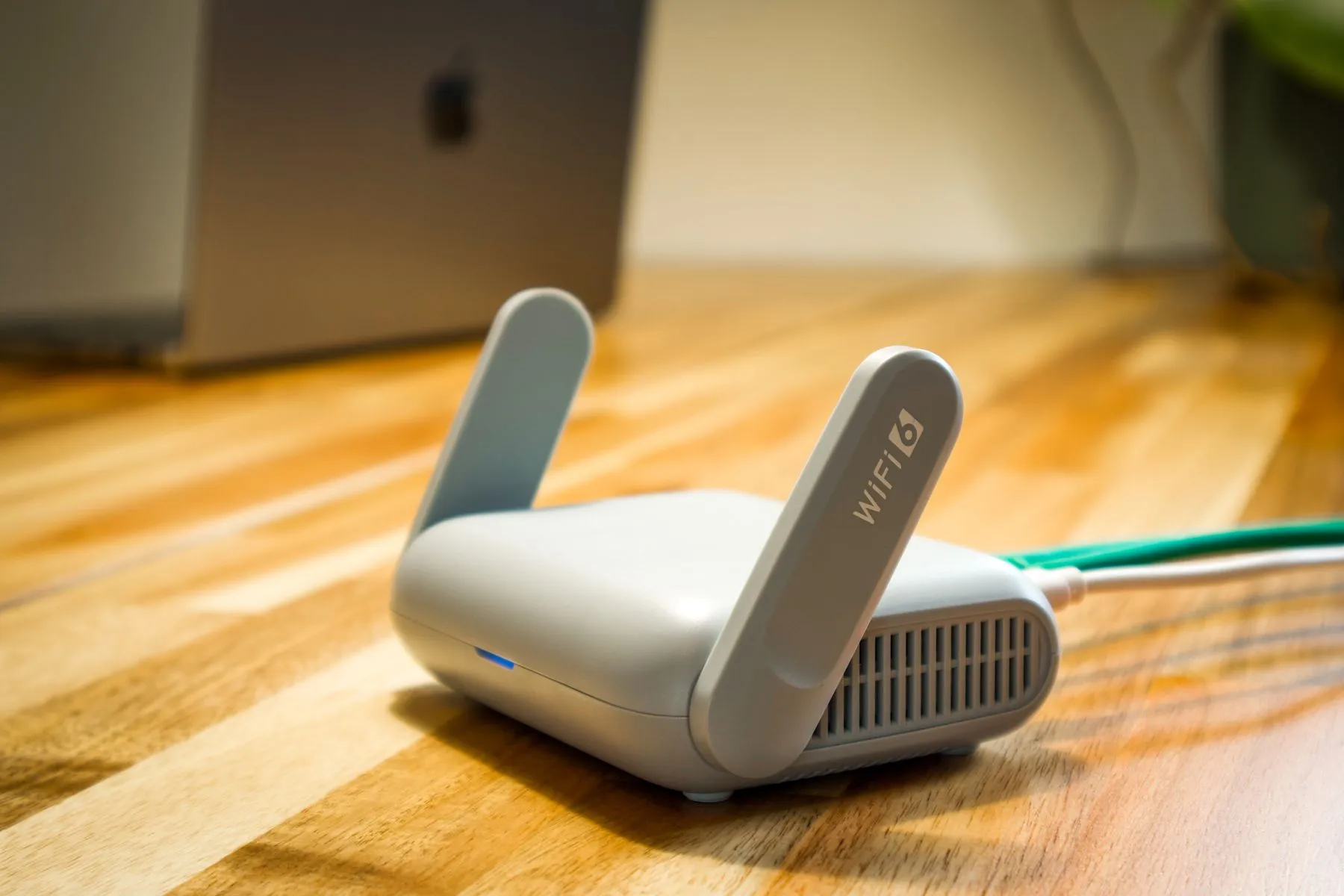
Weak Wi-Fi is one of the most common causes of buffering. Move the router out of cupboards and away from the floor, or connect the TV or box with a network cable. If the TV is far from the router, a mesh system or powerline adapters can help. Our guide to preparing your home connection for IPTV covers this in more detail.
4. Free up space on streaming sticks
Small devices such as streaming sticks have limited storage and memory. When they fill up, apps slow down. On an Amazon Fire TV you can clear an app’s cache under Settings, Applications, Manage Installed Applications, then choose the app and Clear cache. Uninstall apps you never use.
5. Update the player app
Older versions of a player app can struggle with live streams. Check for an update in your device’s app store.
6. Look at the player’s settings
Some IPTV players let you change the video decoder or the buffer size. If one channel stutters while others play well, switching between the hardware and software decoder is worth a try. We can tell you which settings to try for the app you use.
7. Try a different VPN server
If you use a VPN, a server far from you adds delay. Switch to a server closer to home and test again.
When it is busy in the evening
If buffering only happens at peak times, such as weekday evenings or during big matches, your broadband line may be under more load at those times. A speed test at the TV during the evening will show whether your connection drops. Send us the result and we can look at it together.
What to send us if it continues
If the picture still buffers, message us on WhatsApp with:
- The device and player app you use
- Whether it affects every channel or only some
- A speed test result taken where the TV is, and the time you took it
- Whether the TV uses Wi-Fi or a cable
With that information we can usually find the cause quickly. Not a customer yet? Read what to check before choosing an IPTV subscription or see our IPTV UK plans and prices.